A website needs enough pages to answer the customer's questions and guide the next decision. Page count is the outcome of that architecture, not the starting target.
I begin with intent: what does the visitor need to understand, what evidence helps them decide, and where should they go next?
Give each page a distinct job
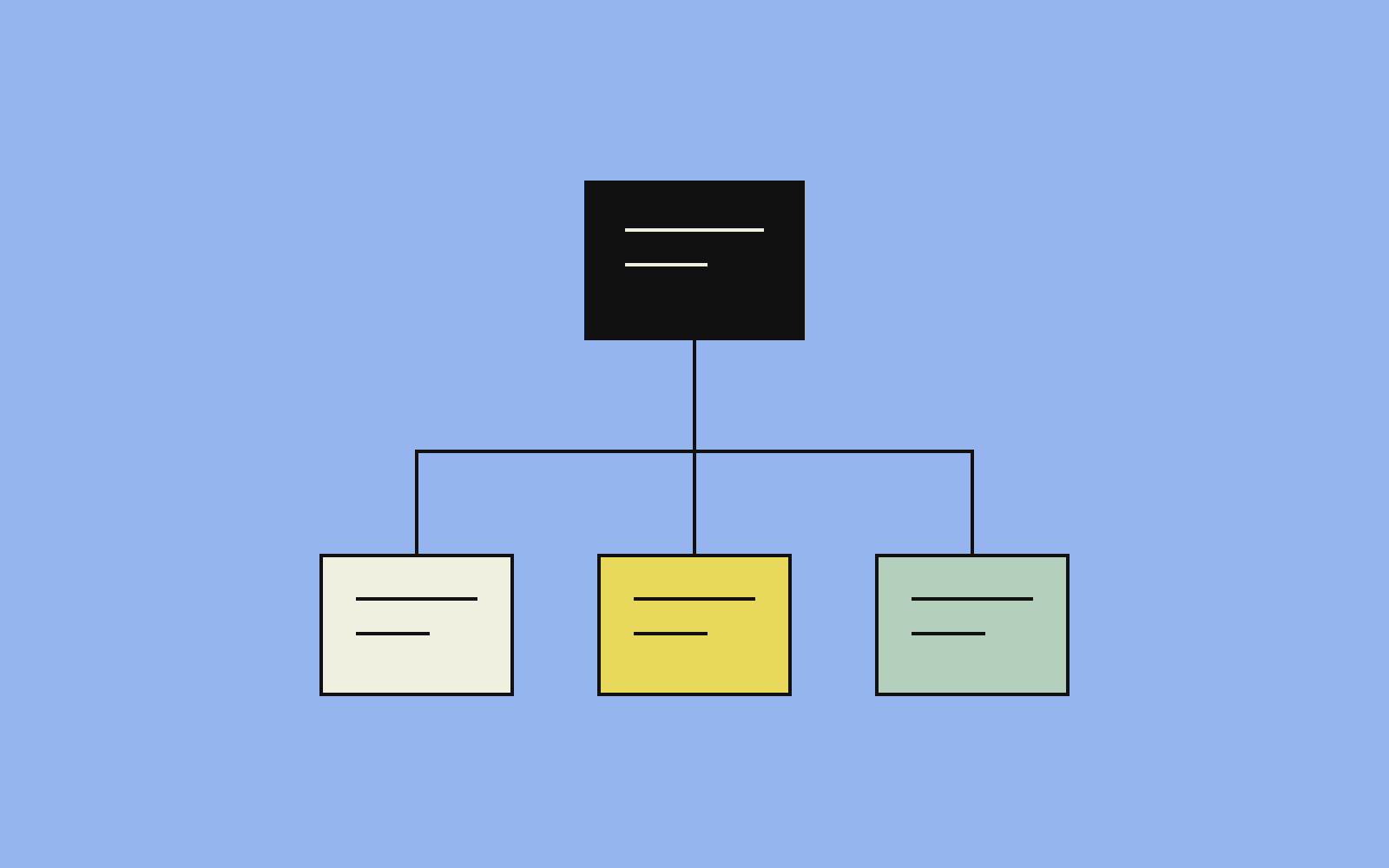
A homepage introduces the business and routes different visitors. A service page explains a specific problem, approach, fit, and next step. A case study presents the work and its result. An article answers a useful question in depth.
Create a separate page when its audience, task, evidence, or buying decision is meaningfully different. Otherwise, a section on an existing page can be clearer.
For a service business, map each customer question to a page and an action. This exposes missing content and removes unnecessary duplication before design begins.
Choose depth by the question
Google's people-first content guidance focuses on usefulness, reliability, and original value. It does not prescribe a preferred word count.
A short service explanation can be complete. A complex comparison can need substantially more detail. The test is whether the page answers its question with enough specificity for the visitor to move forward.
Use examples, process details, and relevant evidence where they help. Remove paragraphs that repeat the same promise without adding information.
Audit the existing site before expanding it
For each page, record its purpose, audience, traffic and inquiry data, current accuracy, owner, and overlap with other pages.
Then choose an action:
- Keep: the page serves a distinct need and remains accurate.
- Improve: the need is valid, but the explanation or next step is weak.
- Consolidate: several pages answer the same question more clearly together.
- Archive: the material retains historical value.
- Retire: the page has no useful role; review links and redirects before removing it.
Age alone is not the decision. A strong older explanation can remain useful, while a new generic page may add little.
Connect content with the next step
Visitors should be able to move from a broad problem to the relevant service, inspect a case, and contact the business without a dead end.
Check navigation labels, internal links, mobile reading order, button consistency, and what happens after a form submission.
Place service and case links where they help the reader's current question. Relevant connections make the site easier to navigate and give each page a clear place in the wider subject structure.
Make the architecture maintainable
Assign content ownership and make the page elements editable. Product facts, services, examples, and links need a practical update process.
Add a page when a real information gap appears and there is enough material to answer it well. Extend a clear core instead of creating many near-identical pages.
A useful site is one where every page has a purpose, supports a customer decision, and can be maintained. See my website development approach for how that structure becomes an implemented platform.
Source notes
- Primary reference: Creating helpful, reliable, people-first content, Google Search Central.
- Implementation approach: customer-intent mapping, content audits, internal linking, conversion routes, and editable page architecture.